faro
Español Download

For macOS · Free software

The useful parts of your Mac,
in the menu bar.

Self-changing wallpapers, system status, clipboard history, a file shelf and a notch panel. All local, no accounts and no servers.

Download for macOS Open source, coming soon

Version 1.6.0 · macOS 14 or later

The faro window showing the Wallpapers page
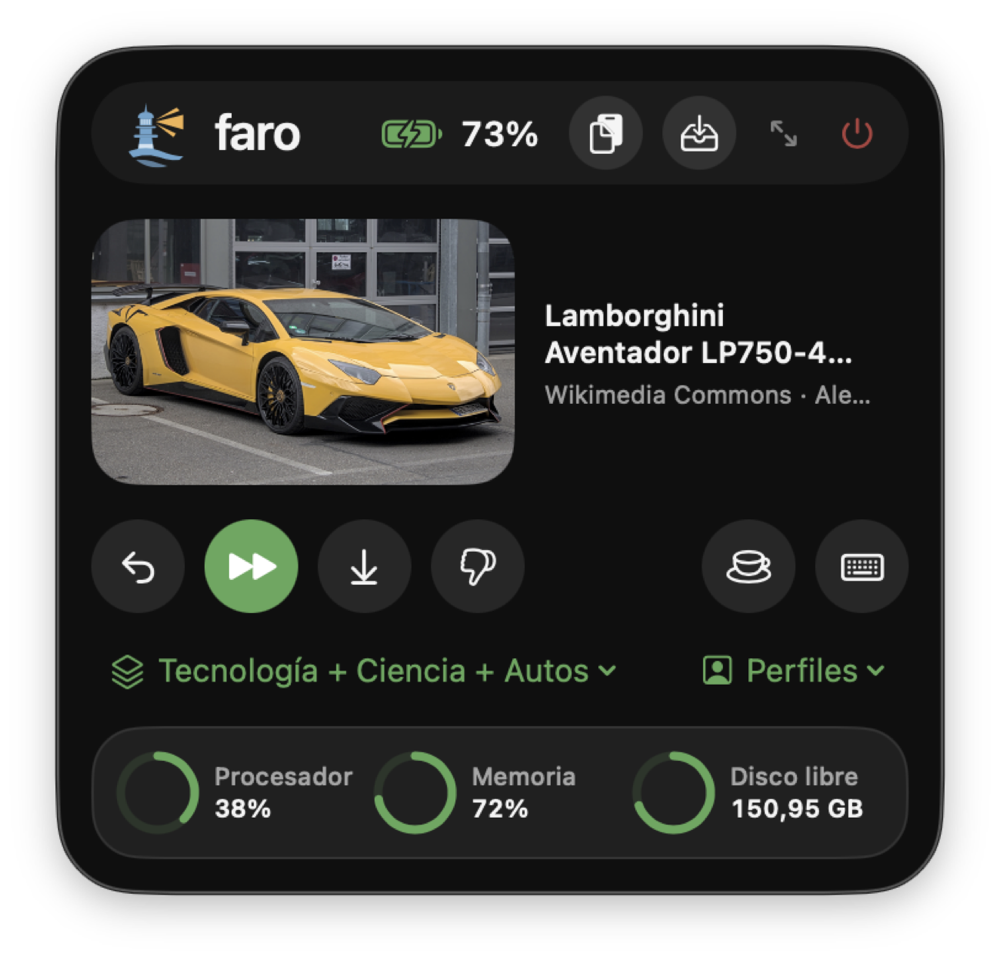
The faro menu from the menu bar

Everything in one place.

Wallpapers that change on their own.

Pick a channel and you’re done. A channel is a topic; a mix spreads photos across several.

  • Seven key-free sources: Wallhaven, Wikimedia Commons, Bing, Art Institute of Chicago, NASA, Picsum and local folders.
  • Each source weighs Little, Normal or A lot, and the draw really respects those weights.
  • It only keeps the current photo of each display: everything else is downloaded and deleted.
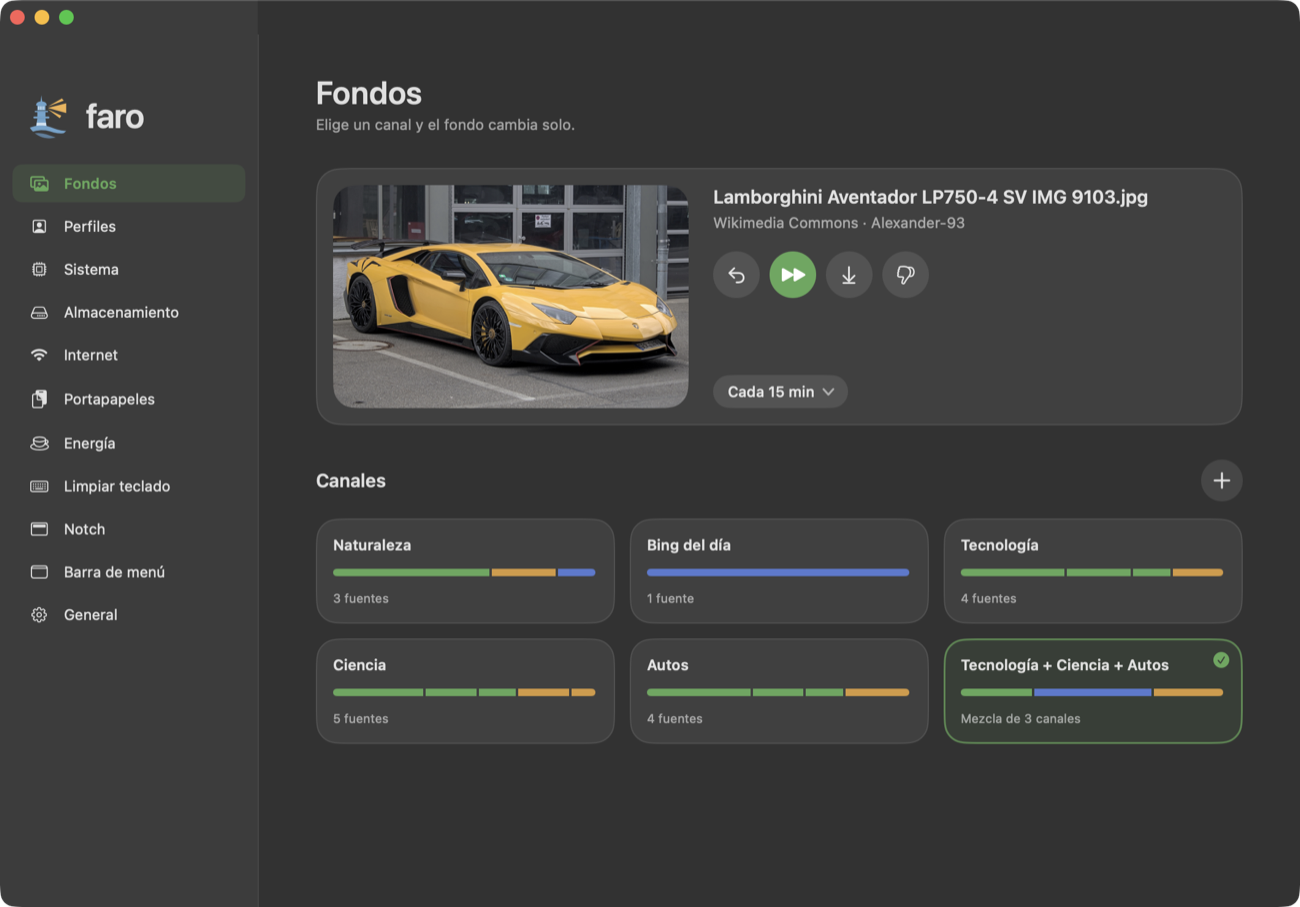
faro’s Wallpapers page: the current photo with four buttons and the channels as cards

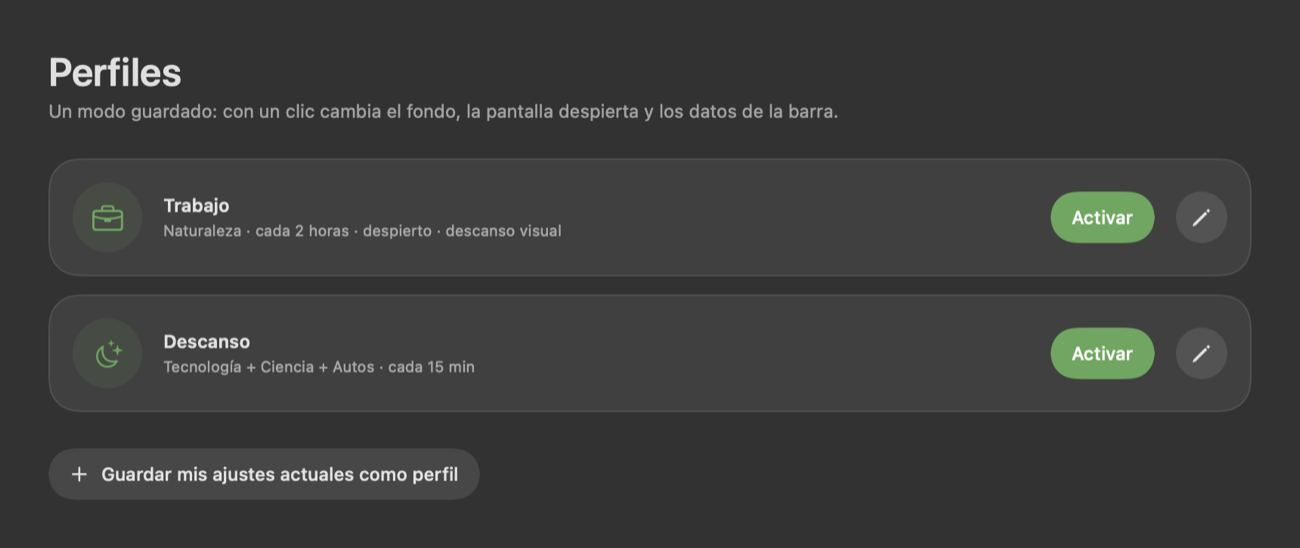
One mode, one click.

A profile changes the wallpaper, keeps the Mac awake and picks the menu bar data, all at once.

  • Work and Break come built in; create your own from your current settings.
  • They can switch on by themselves at a set time on set days.
The Profiles page with the Work and Break modes

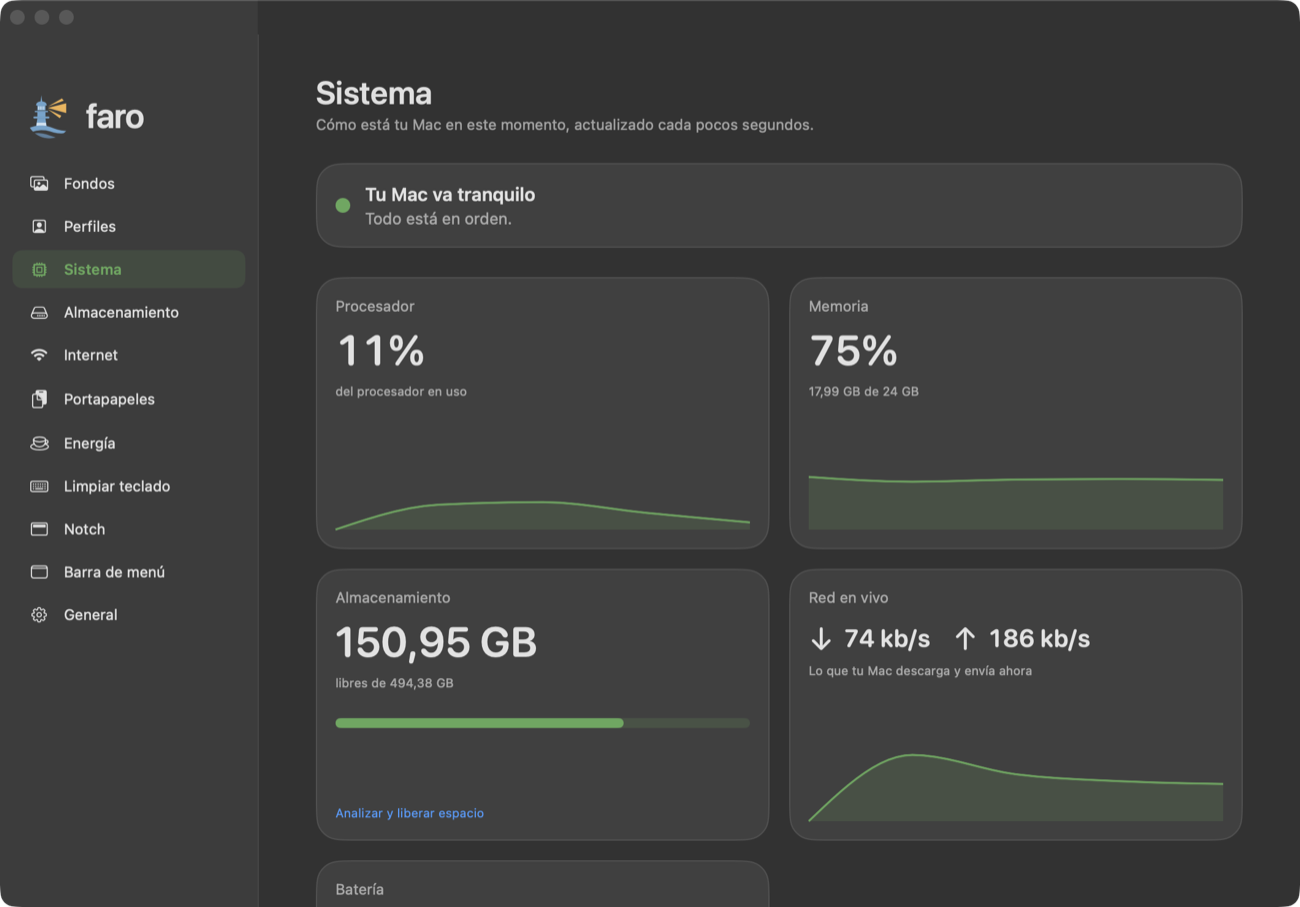
Your Mac, in plain language.

Processor, memory, disk, network and battery, with charts and a sentence that tells you how it’s going.

  • Choose which data you always see in the menu bar, with a preview.
  • Measure your internet by hand or on a schedule, with a saved history.
  • A notice in the notch when your disk is about to fill up.
The System page with processor, memory, storage and live network

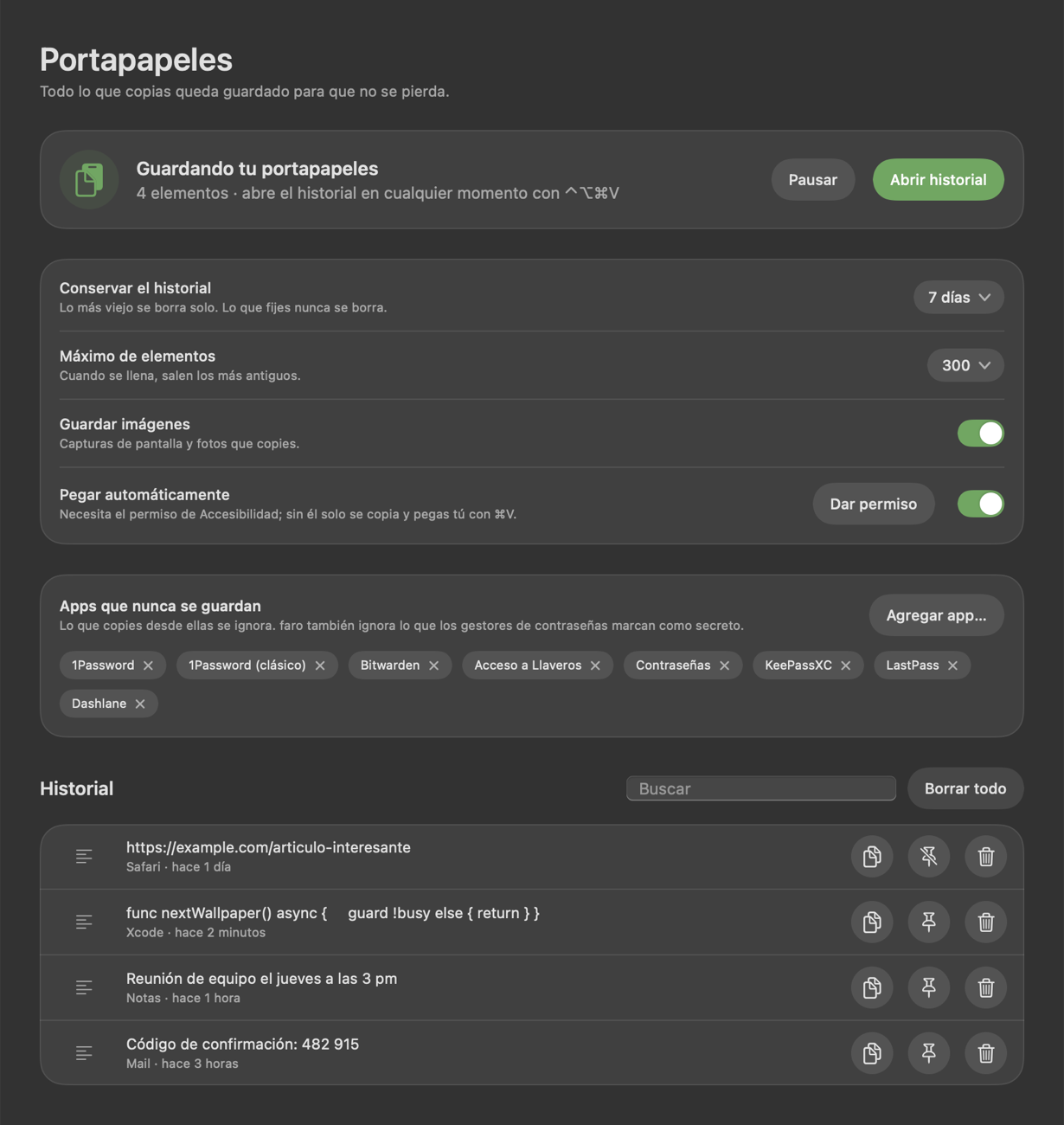
Nothing you copy gets lost.

A history of text and images with search, and a panel next to your cursor with ⌃⌥⌘V.

  • It ignores what password managers mark as secret, plus any apps you exclude.
  • It cleans itself up; pinned items are never deleted.
  • Optional auto-paste.
The Clipboard page with privacy settings and history

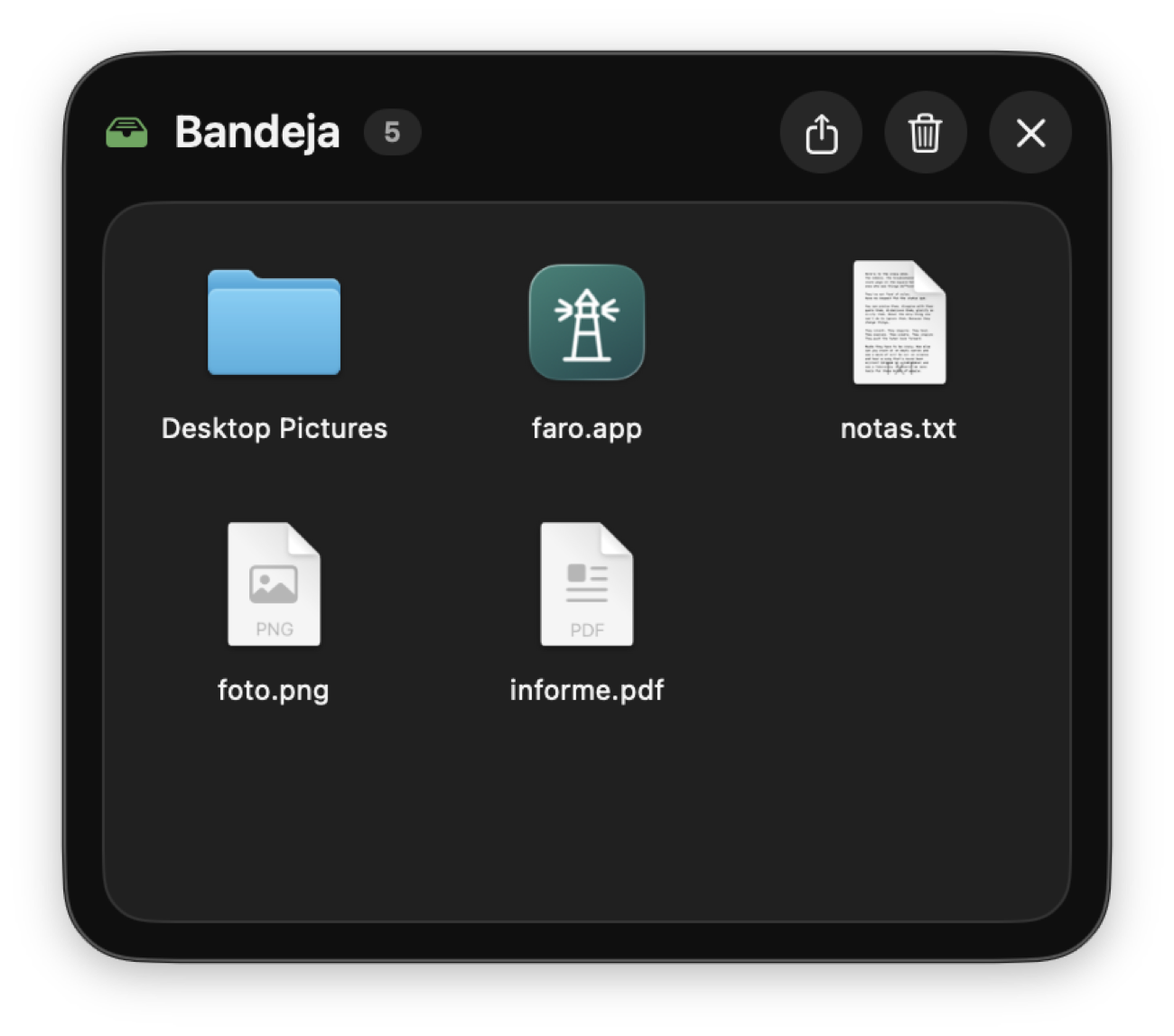
A shelf to carry files.

Drop what you need, switch apps and drag it where it goes. Opens with ⌃⌥⌘B.

  • It stores references, not copies: it uses no disk space.
  • AirDrop one file or the whole shelf.
  • Convert images (PNG, JPEG, HEIC, TIFF) and zip or unzip, offline.
  • You can also drop onto the menu bar icon or onto the notch.
The file shelf with several files and folders

The notch, put to use.

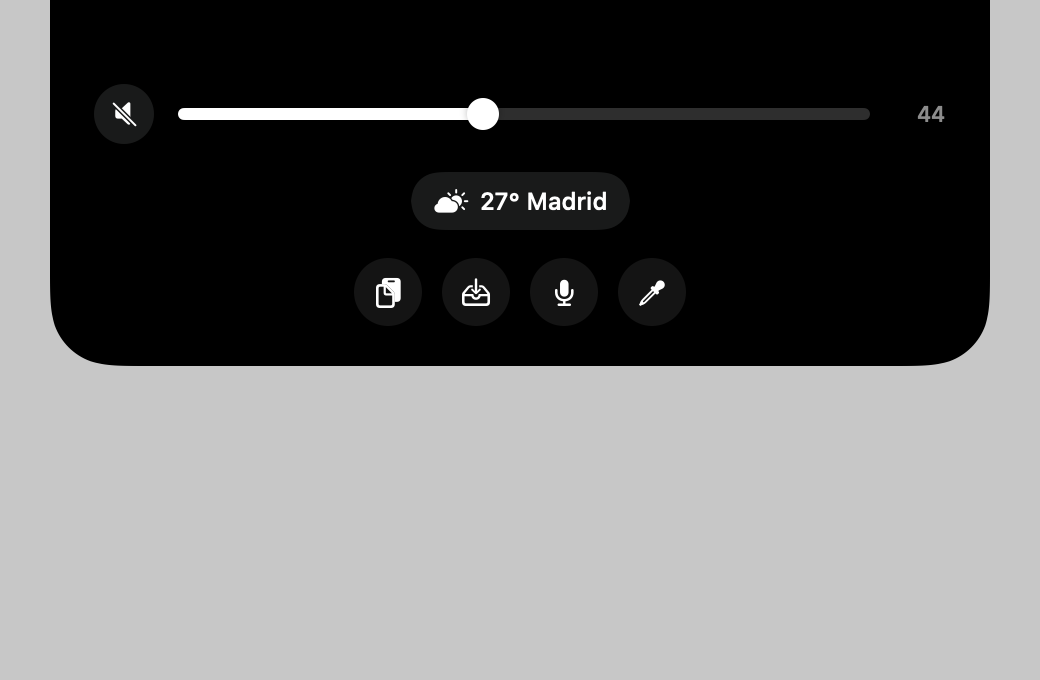
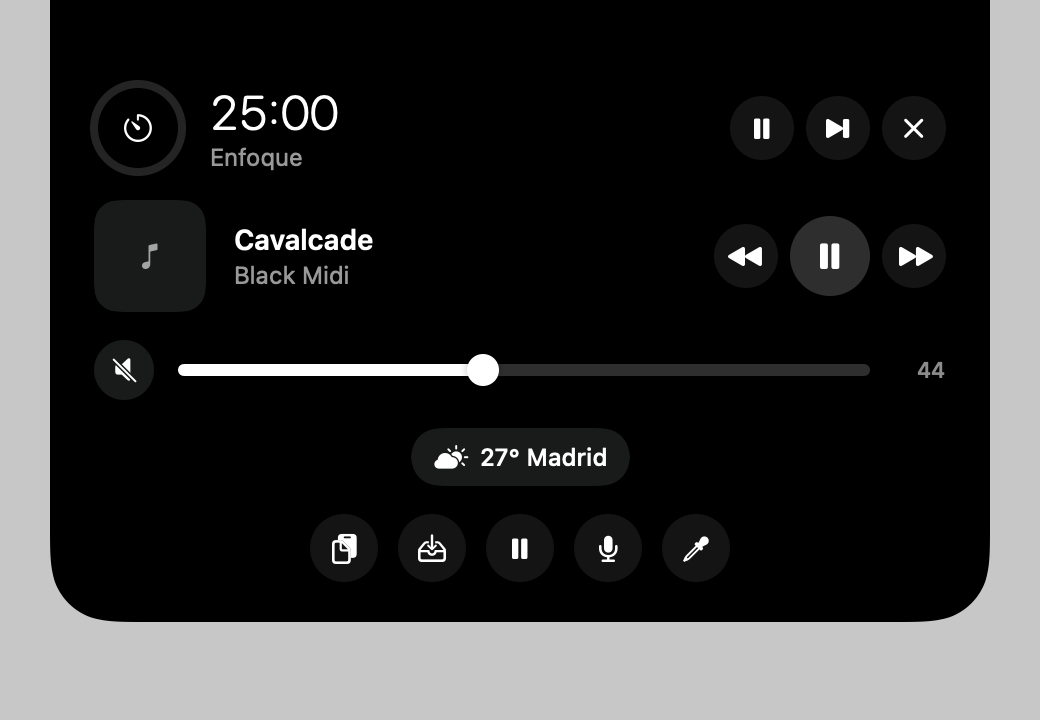
A panel that hangs from the notch with what’s playing (and its lyrics, in real time), volume, weather and your next event.

  • Opens on hover or only on click, whichever you prefer.
  • Pomodoro timer, mute the microphone, color eyedropper and quick buttons for the clipboard and the shelf.
  • Notices for battery, downloads, screenshots, USB drives, AirPods and camera or microphone in use.
The notch panel unfolded with music, volume, weather and quick buttons

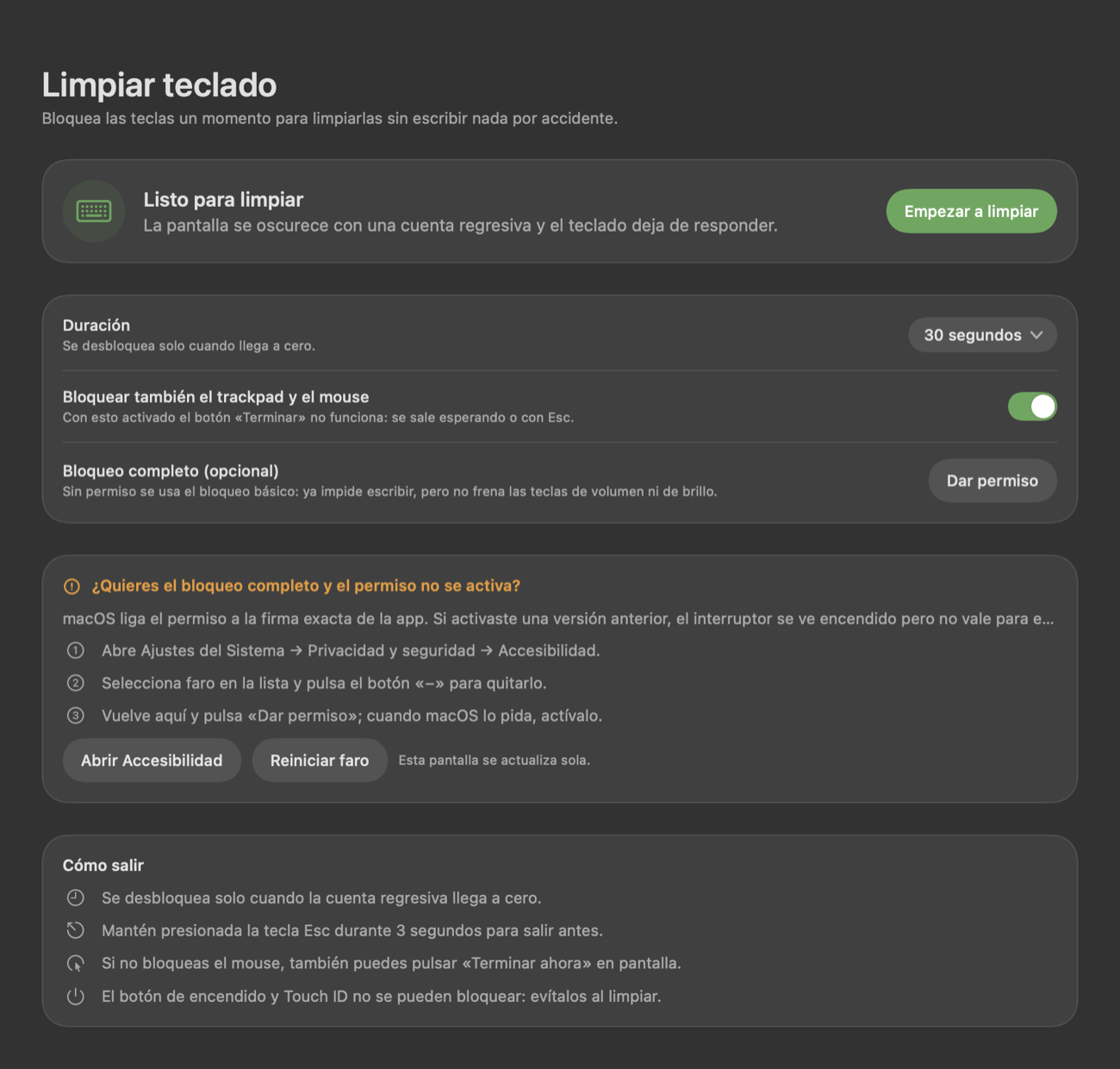
Clean your keyboard without typing a thing.

The screen dims with a countdown and the keyboard stops responding.

  • The basic lock needs no permissions.
  • You can always get out: at zero, or by holding Esc for three seconds.
The Clean keyboard page with duration and lock modes

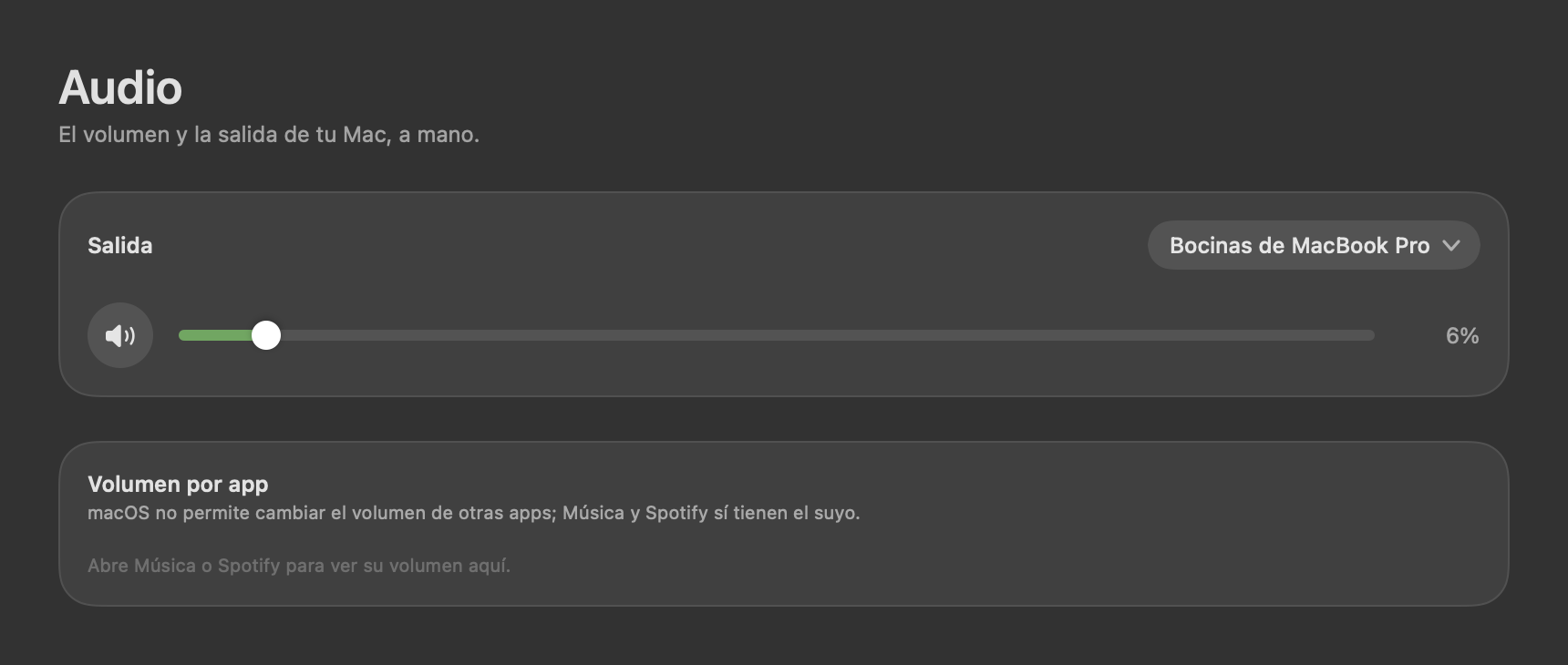
Volume, at hand.

Your Mac’s output, volume and mute, plus the own volume of Music and Spotify.

  • Also inside the notch panel.
The Audio page with output and volume

And more.

Storage

Find what takes up space and free it without touching your documents.

Keep awake

Stops the screen from sleeping, for as long as you choose.

Live menu bar

Processor, memory, disk, network or battery, your pick.

Liquid glass

In your own colors, on macOS 26.

Pomodoro

A timer in the notch, with the countdown visible on the pill.

Mute the microphone

A button or ⌃⌥⌘M mutes the microphone for every app.

Spanish and English

Follows the system language, or you pick one.

Global shortcuts

Change photo, save or open panels without the mouse.

How it works.

faro lives in the menu bar: it doesn’t take up the Dock, and you use it with round buttons that explain themselves as soon as you hover.

  1. 1

    Install it

    Download the .dmg, drag faro to Applications and open it. It’s signed and notarized by Apple.

  2. 2

    Make it yours

    Pick a wallpaper channel, the menu bar data and the notch modules. Every permission is optional and only asked for when needed.

  3. 3

    Forget about it

    It stays in the menu bar. The lighthouse icon lights up when your Mac is in keep-awake mode.

Your data stays on your Mac.

faro has no accounts, no telemetry and no server of its own. These are the only connections it makes, and only when you use the feature.

ServiceWhat forWhat is sent
wallhaven.ccSearch photosThe topic and minimum resolution
commons.wikimedia.orgSearch and download photosThe topic
www.bing.comPhoto of the dayNothing personal
lrclib.netSynced lyricsThe title and artist of the playing song
api.artic.eduArtworksThe topic
images-api.nasa.govSpace imagesThe topic
picsum.photosRandom photosNothing personal
open-meteo.comWeatherThe city
faro-conectalab.web.appNew-version noticesNothing personal (one public file, once a day)
Apple (networkQuality)Measure your connectionA normal speed test

Clipboard history, the shelf, settings and photos stay on your disk.

How it was made.

faro started as a replacement for a paid app that only changed the wallpaper, and grew to bring together the utilities usually spread across ten apps.

Native, no dependencies

Swift, SwiftUI and AppKit, with no third-party packages: about 8,000 lines in 58 files.

Its own design

A hand-drawn logo and custom controls instead of the generic system ones, with liquid glass on macOS 26.

Built in iterations

Every version is tested and noted in the changelog.

AI-assisted

Developed in pair with Claude, by Anthropic, which wrote code and tests under Daniel Pulgarín’s direction.

Version by version

  1. 0.1A prototype that changed the wallpaper using Wallhaven.
  2. 0.3Storage and a clipboard history.
  3. 0.5The file shelf.
  4. 0.8The notch panel.
  5. 0.9Profiles and hand-drawn controls.
  6. 1.0faro is born: name, logo and a free license.
  7. 1.2English interface, audio, Bluetooth and more photo sources.
  8. 1.3Quick buttons in the notch and open on click.
  9. 1.4New-version notices and the privacy policy.
  10. 1.5Timer, microphone, batteries, notices and shelf tools.
  11. 1.6Synced lyrics in the notch.

Free software.

Licensed under GNU AGPL-3.0 or later: you can use, study, modify and share it.

The repository will open soon. Meanwhile, the app and its documentation are available to download.

Ready to try faro?

Download for macOS

Version 1.6.0 · macOS 14 or later